I Made an AI Motion Video Out of Detailed Scenario
How my knowledge of working with AI improved through making a motion video
3 min read

Everything Started from Meeting Florian as Our Lecturer
| Context |
As part of our program, Florian from Dentsu Creative taught us how to create a motion video step by step in a two-hour hands-on workshop!
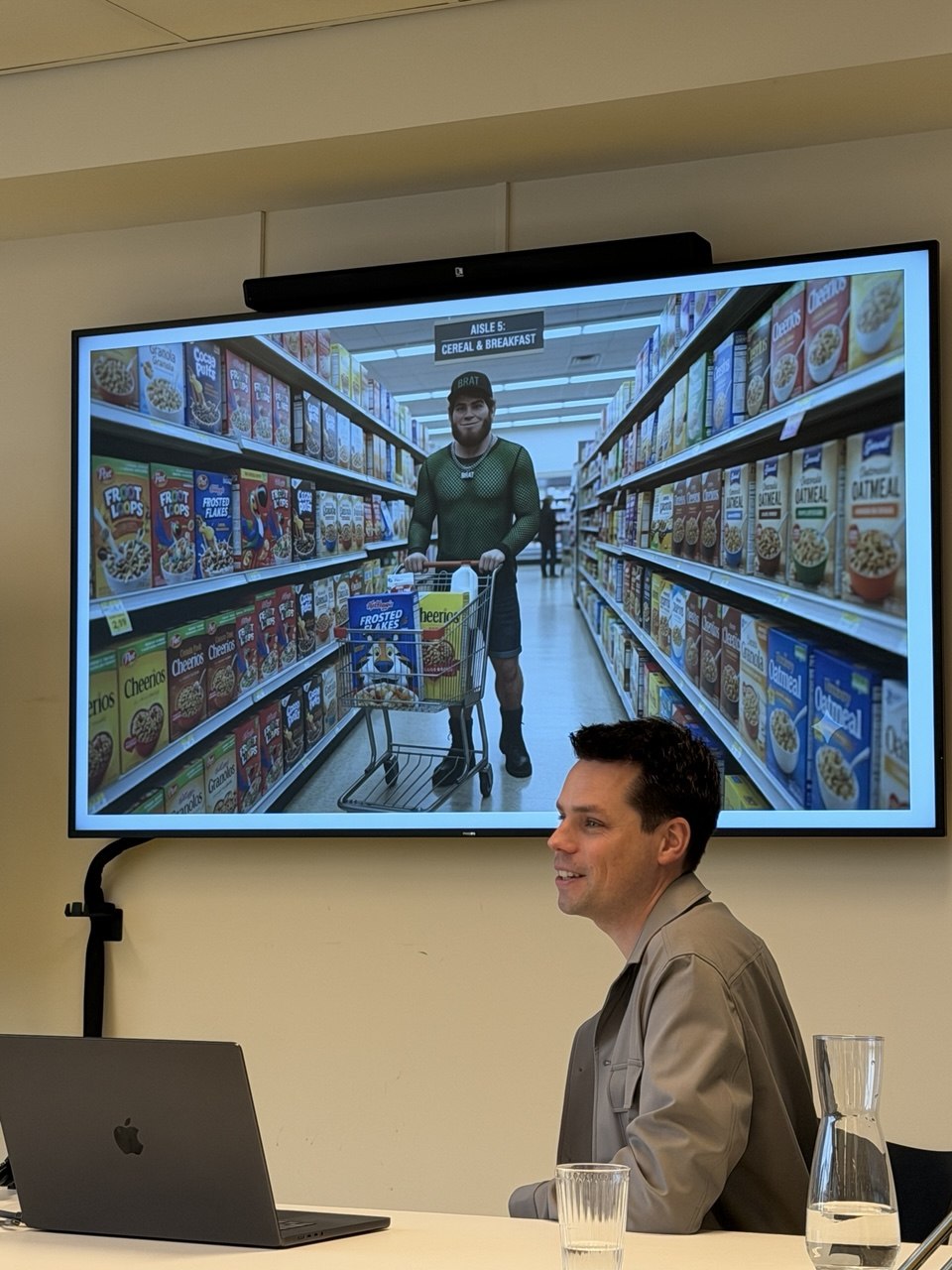
Although the first motion video I made during this workshop which I also presented here might not look that much professional, but I got the hang of it!
But How?
Several Steps I Took To Prepare The Prompt for Making My Motion Video
| Design Process |
Step One: I Thought About My Story
First, I needed to define the scenario:
What did I want to create? What scenes would it include?
Would it be fictional or based on real life?
Writing it down before getting lost in prompts helped me add more detail and create a more intentional, professional motion video.
*The following image is taken from Florian's slides as part of his educational workshop.

Step Two: Now That I Know What I Want, I Should Add Details
For each motion video, I should define the characters (casts), the setting (location), and the overall mood and color palette.
360-Degree View to Keep Details Consistent & More Professional
I should create 360-degree reference images of my characters and the location.
I got help from a platform that provides high-resolution free images and found an image that resonates with a character in my mind.
*The image below is one of the Florian's slides for explaining to us this step:

Then, I went to a color palette generator website to pick a palette for my video.
When everything was prepared and I had my mood boards with me, it took me only some back and forth to create 360-degree view of my cast, the location and to justify the scene with specific color tone.

Let's combine all I have now to make that video
Cast, Location, Color Palette, Scenes, Background Music
And here are two very short videos I made; just for practice!
Learning
I needed to choose the right AI tool for the task. ChatGPT, Gemini, and Claude could help me develop the idea and prompts, but for generating the motion video itself, I used a specialized tool: Kling AI.
After preparing the characters and mood board, I moved to a specialized AI tool to create the video.
Here is the detailed scenario I gave it: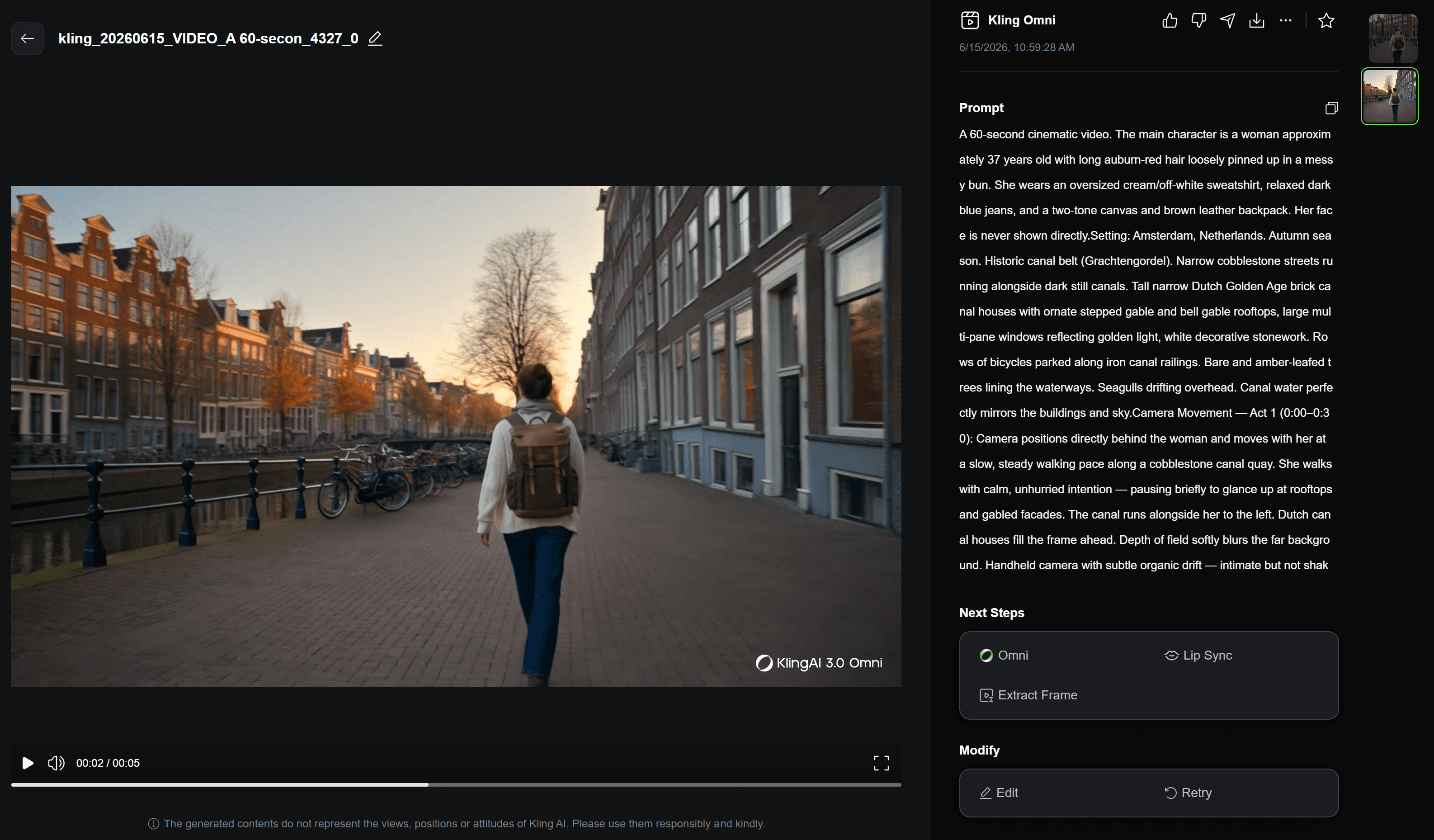
Sometimes, I can ask one AI agent to help me write a better prompt for another. It’s a little AI teamwork!
Want to Contact?
I’d be happy to meet for a coffee or have a chat online.


